

Your card in 3D
Check your HOLDERCARD design on the model and switch its position.
SMART HORECA
Add dishes and prices, choose a design, and view your menu on a guest’s phone.
Your trial project stays in this browser. Registration and payment for launch are still in development.
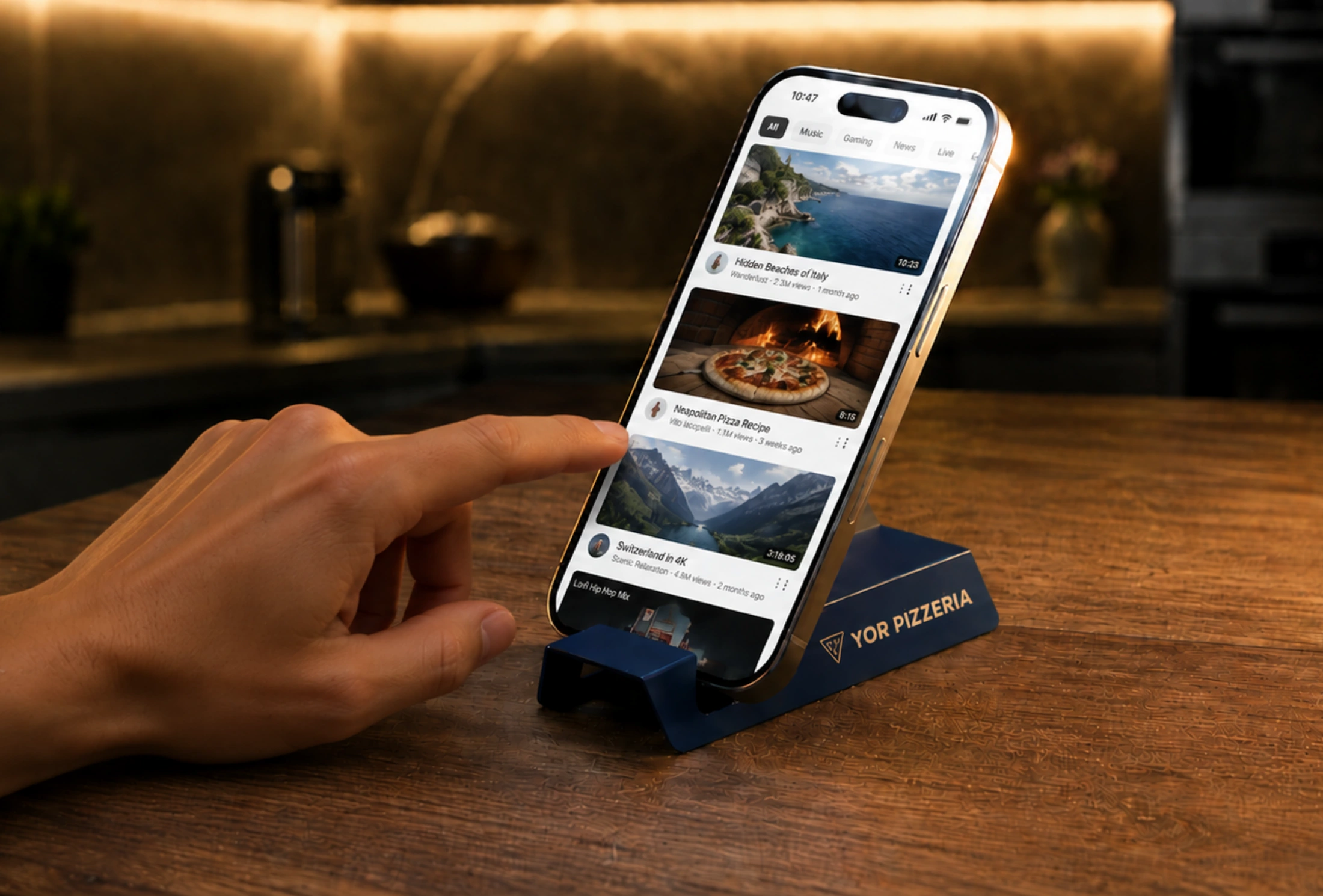
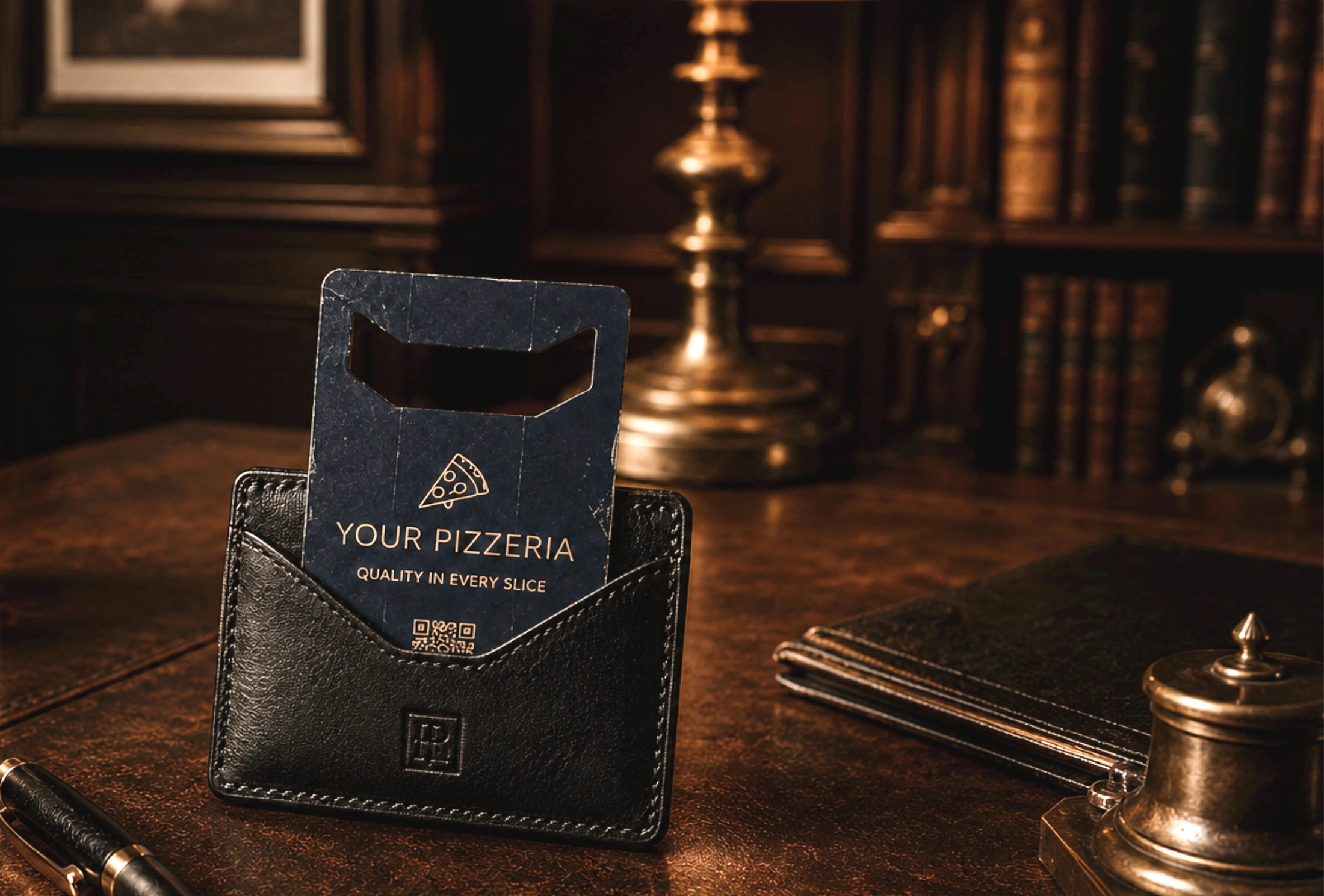
A useful medium for your brand.
An optional QR code links to your published venue page.
Your dishes, services and contacts.
The guest’s next step, beside your menu.
Getting started
Restaurant, café or hotel.
Add your venue name.
Start with your items and prices.
Choose a design and colour theme.
See the page through your guest’s eyes.
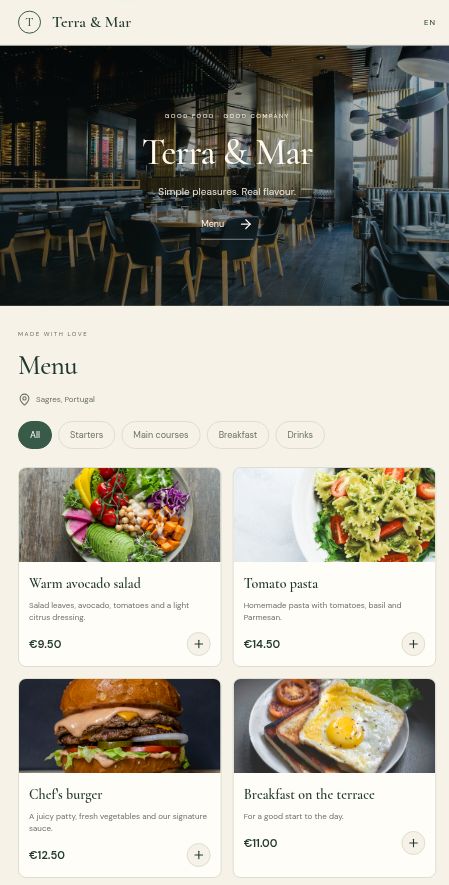
Start with what you already have: a name, photographs, a menu or text.
Create a menu for freeAdd your venue materials and review the design.
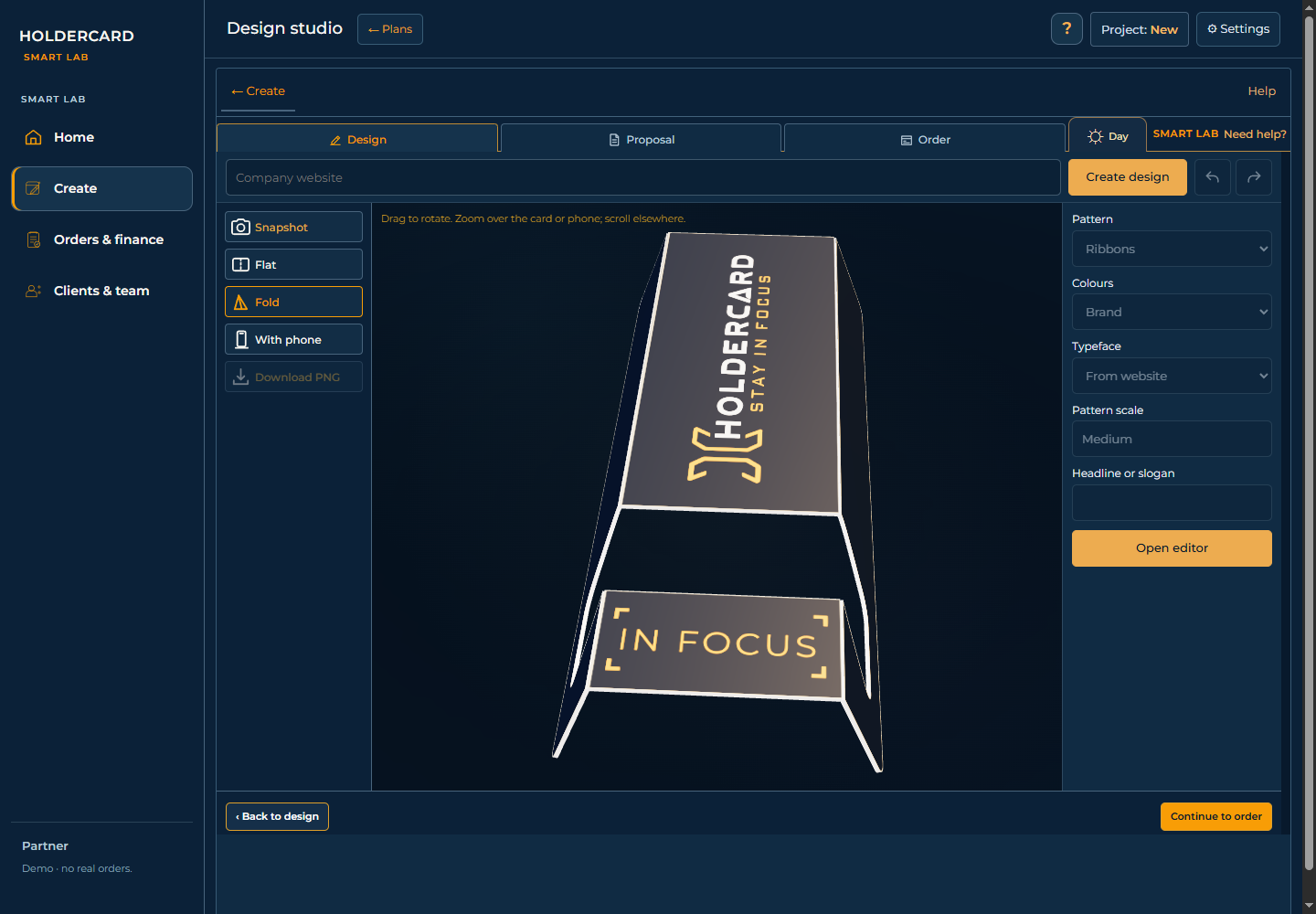
Check your HOLDERCARD design on the model and switch its position.
Add text or a text-based PDF, then review and edit the imported items.
Add your own photographs, logo and venue contact details to the trial page.